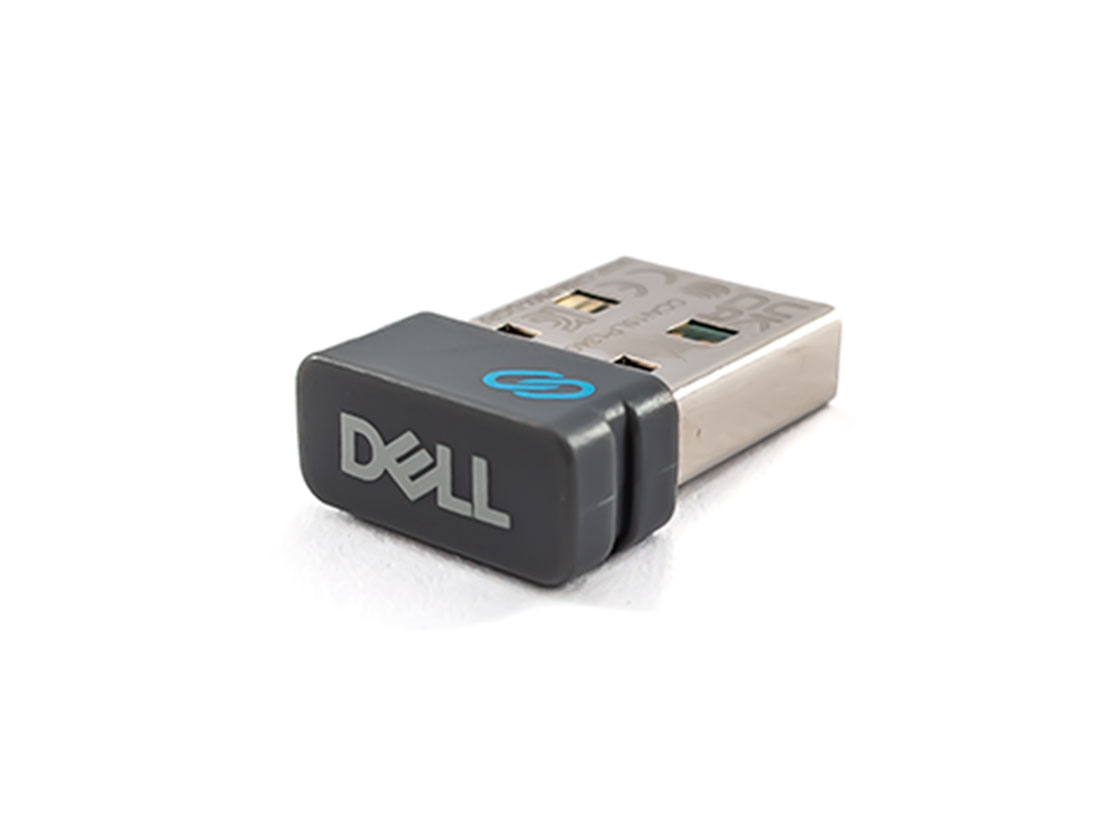
Dell WR221 Universal Receiver for up to 6 wireless devices
$26.8
$34.04
Dell WR221 Universal ReceiverProduct: Genuine Original Dell productModel: WR221Compatibility: Dell Premier Multi-Device Wireless Keyboard and Mouse – KM7321WDell Premier Rechargeable Wireless Mouse – MS7421WDell Pro Wireless Keyboard and Mouse – KM5221WDell Mobile Wireless Mouse – MS3320WDell Mobile Pro Wireless Mouse – MS5120WDell Multi-Device Wireless Mouse – MS5320WDell Multi-Device Wireless Keyboard and Mouse Combo – KM7120WDell Wireless Keyboard and Mouse – KM636**Dell Wireless Mouse – WM126**Dell Premier Wireless Keyboard and Mouse – KM717**Dell Premier Wireless Mouse – WM527**Dell Wireless Laser Mouse – WM514**Dell Wireless Mouse – WM326**Dell Premier Wireless Keyboard – WK717**Dell Wireless Keyboard and Mouse – KM714****Supports Dell Universal Pairing only. Does not support Dell Peripheral ManagerSpecification: Device TypeWireless mouse / keyboard receiverInterface TypeUSB, RF 2.4 GHzDimensions (WxDxH)1.42 cm x 1.99 cm x 0.66 cmKey Features: Pair up to 6 compatible devicesPlug in the Dell Universal Pairing Receiver to your PC and connect up to six different compatible keyboards and mice. Now you can switch between devices without needing multiple receivers.Dell Universal Pairing featureAll keyboards and mice with the Dell Universal pairing icon can be paired with the Dell Universal Pairing Receiver. Enjoy the convenience of leaving your keyboard and mouse set at home and another mouse in the office without having to carry them around.Pairing: Dell Universal Receiver Control PanelYou can add Dell Universal compatible wireless devices to the receiver using Dell Universal Receiver Control Panel.Installing Dell Universal Receiver Control PanelTo install Dell Universal Control Panel:Turn on the computer.Open the web browser and navigate to www.dell.com/support.Type in the Search bar “dell universal receiver”. Then click Search.Download and install the Dell Universal Receiver software in your system. More Accessories